Introduction
We need to talk about desktop applications. Right now, rendering a simple to-do list or a local point-of-sale app requires shipping an entire Chromium browser. A “Hello World” Electron app eats 150MB of storage and idles at 300MB of RAM.
That is unacceptable.
Now comes the real part: Building native-feeling apps without the bloat, using tools that actually respect system resources.
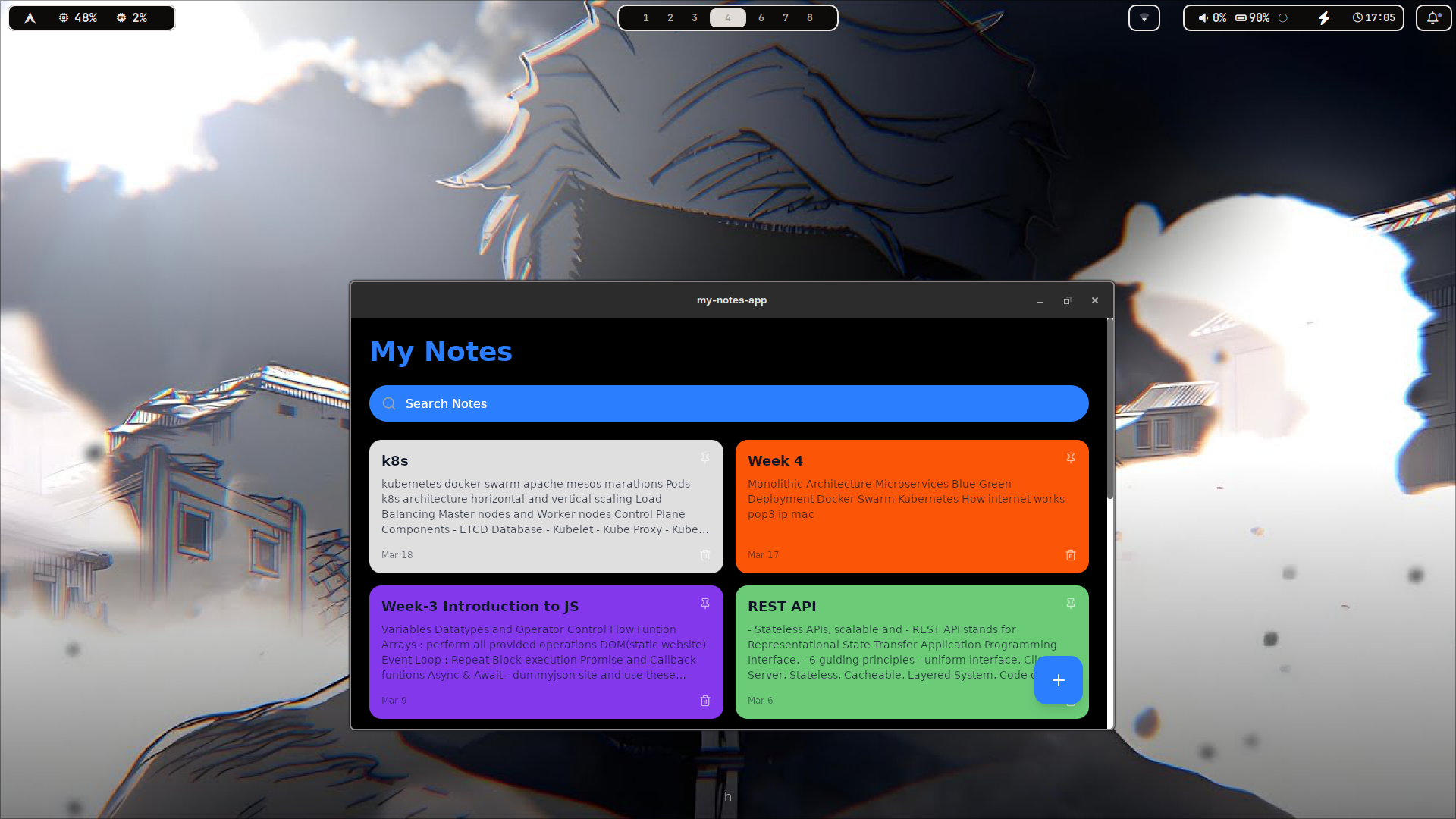
This blog explains how to set up Tauri. It uses your system’s native webview for the frontend (Next.js) and a compiled Rust binary for the backend.
The result? A sub-10MB executable that runs instantly.
Credits
Before anything else:
- The Tauri Team – for building a sane alternative to Electron.
- The Rust Foundation – for a systems language that doesn’t crash on memory leaks.
Without these, we would still be downloading 2GB updates for chat applications.
What This Setup Achieves
Using Tauri and Next.js, we get:
- A tiny, pre-compiled binary (usually < 10MB).
- Near-zero idle RAM usage.
- A pure black, high-contrast Next.js frontend.
- Native OS system calls via Rust (file system, hardware access).
- No Chromium instances running in the background.
Minimal, fast, and highly efficient.
Prerequisites
- Arch Linux (or any sane Linux distro/OS)
- Node.js installed
- Rust toolchain installed
- Basic patience for Rust compile times
If you are on Arch, grab the system dependencies first:
sudo pacman -S webkit2gtk base-devel curl wget nodejs npm rustup
rustup default stable
Step 1: Scaffold the Project
Do not configure this from scratch. Use the official create tool.
npm create tauri-app@latest
Follow the prompts:
- Project name:
minimal-desktop-app - Frontend language:
TypeScript / Node - Package manager:
npm - UI Template:
Next.js
cd minimal-desktop-app
npm install
Step 2: The Rust Backend (System Logic)
Tauri communicates between the web frontend and the OS using Rust.
Open src-tauri/src/main.rs.
Let’s write a simple system-level function that the frontend can call.
// Prevents additional console window on Windows in release
#![cfg_attr(not(debug_assertions), windows_subsystem = "windows")]

#[tauri::command]
fn get_system_status(name: &str) -> String {
    format!("System nominal. Welcome back, {}. Rust backend active.", name)
}

fn main() {
    tauri::Builder::default()
        .invoke_handler(tauri::generate_handler![get_system_status])
        .run(tauri::generate_context!())
        .expect("error while running tauri application");
}
This is your backend. It compiles down to bare metal.
Step 3: The Next.js Frontend (UI)
Strip out the bloated default CSS. We want a pure black background to reduce visual fatigue.
Open app/globals.css and nuke it. Replace with:
body {
  background-color: #000000;
  color: #ffffff;
  font-family: monospace;
  margin: 0;
  padding: 2rem;
}
Now, hook up the frontend to the Rust backend using IPC (Inter-Process Communication).
Open app/page.tsx:
'use client'
import { useState } from 'react'
import { invoke } from '@tauri-apps/api/tauri'

export default function Home() {
  const [status, setStatus] = useState('')

  async function checkSystem() {
    // Calling the Rust function
    const response = await invoke('get_system_status', { name: 'Admin' })
    setStatus(response as string)
  }

  return (
    <main>
      <h1>Minimal Control Panel</h1>
      <button
        onClick={checkSystem}
        style={{ padding: '10px', background: '#333', color: '#fff', border: 'none' }}
      >
        Initialize Backend
      </button>
      <p>{status}</p>
    </main>
  )
}
No fluff. Just a button talking directly to a system binary.
Step 4: Build and Run
To run in development mode (spins up Next.js and compiles Rust on the fly):
npm run tauri dev
To build the final, optimized release binary:
npm run tauri build
Check src-tauri/target/release/. You will find a standalone executable. Check the file size. It is beautifully small.
Common Issues
- Missing WebKit: If you get a white screen on Linux, ensure
webkit2gtkis installed and up to date. - First Compile is Slow: Rust takes a minute to download and compile the
crates.ioregistry the first time. - Next.js Hydration Errors: Ensure you use
'use client'at the top of your Next.js files when using Tauri imports.
Fixing compiler errors is part of the systems programming life.
Conclusion
Thanks to Tauri, building native desktop apps no longer requires sacrificing half your system resources.
Keep the frontend minimal, push the heavy lifting to Rust, and enjoy software that actually respects your hardware.
Personal Opinion
I don’t need an entire browser engine running just to render a configuration menu or a dashboard. This stack exists so I can write quick, local utilities that launch instantly and stay out of the way. It is slightly more complex than dropping a script into Electron, but it runs perfectly — and that’s enough.