Introduction
Ever wanted to run Linux directly on your Android phone?
Not just some fake terminal app, but an actual Linux filesystem with package manager, shell, and tools.
Good news — you can do this using Termux + proot, and the best part is no root required.
This setup is perfect for:
- Learning Linux
- Running CLI tools
- Development work (Python, Node, Git, etc.)
- Basic server testing
In this blog, I’ll show how to install Linux on Android using proot-distro in a clean and safe way.
What Is Termux?
Termux is an Android terminal emulator that provides a Linux-like environment using packages compiled for Android.
Key points:
- Runs completely in user space
- No root required
- Uses APT-like package management
- Supports programming languages and dev tools
What Is Proot?
Proot is a user-space implementation of chroot.
In simple words:
- It lets you run a Linux filesystem inside Android
- No system modification
- No risk of bricking your phone
proot-distro makes this even easier by managing Linux distributions automatically.
Requirements
- Android phone (Android 7+ recommended)
- At least 2 GB free storage
- Stable internet connection
- Basic terminal knowledge (very basic is fine)
Step 1: Install Termux (Correct Way)
⚠️ Do NOT install Termux from Play Store (it’s outdated).
Install from:
After installing, open Termux and run:
pkg update && pkg upgrade -y
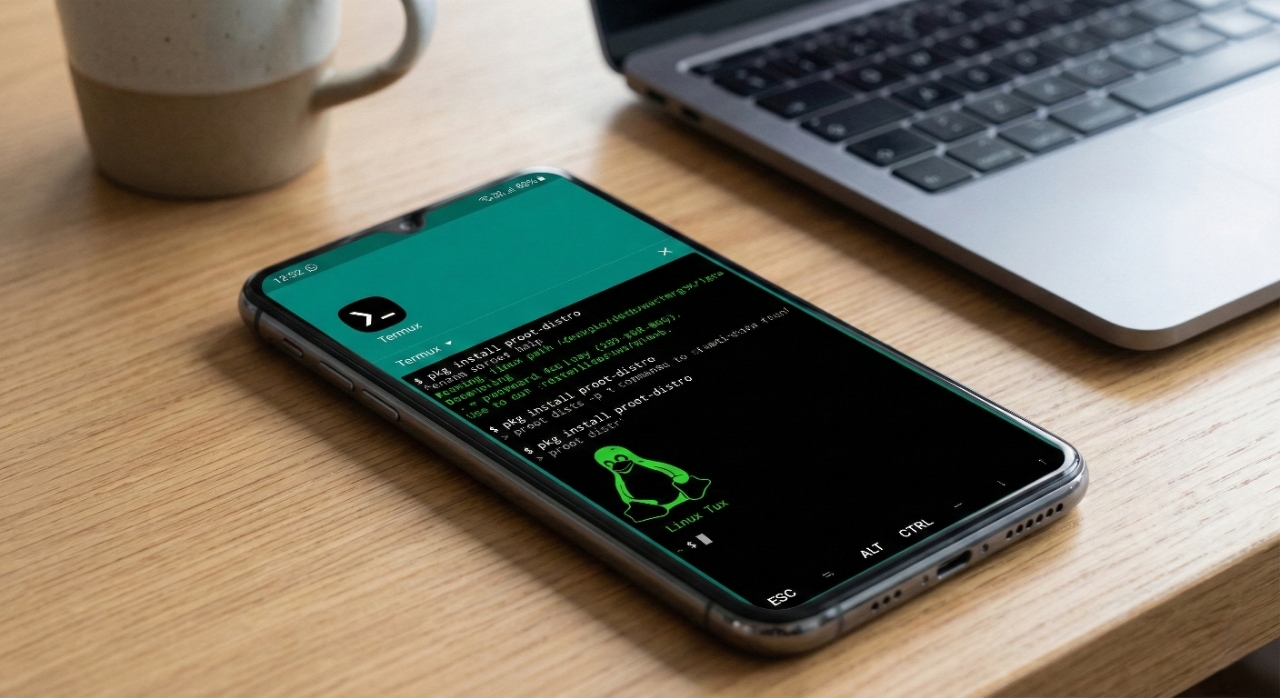
Learn how to run a full Linux environment on your Android phone using Termux + proot-distro, without rooting your device.
Step 2: Install proot-distro
Install proot-distro package:
pkg install proot-distro -y
List available Linux distributions:
proot-distro list
Step 3: Install Ubuntu (Example)
Install Ubuntu Linux:
proot-distro install ubuntu
This may take a few minutes depending on your internet speed.
Step 4: Login to Linux
Enter the Ubuntu environment:
proot-distro login ubuntu
Update packages:
apt update && apt upgrade -y
Step 5: Install Useful Tools
Common development tools:
apt install git curl wget neovim htop build-essential -y
Python:
apt install python3 python3-pip -y
Node.js:
apt install nodejs npm -y
Optional: GUI Desktop (Not Recommended)
GUI is possible using XFCE/LXDE + VNC, but performance is slow.
CLI usage is much better and stable.
Common Use Cases
- Learning Linux
- Writing scripts
- Web development testing
- Git & GitHub usage
- SSH access
- Programming practice
Limitations
- No systemd
- Not full virtualization
- Some low-level tools won’t work
- Performance depends on device
Safety Tips
- Do not expose services publicly
- Avoid heavy background processes
- Keep Termux updated
- Remember: this runs in user-space
Conclusion
Running Linux on Android using Termux and proot is simple, safe, and powerful.
Perfect for developers, students, and curious users.
Personal Note
This setup is great for learning and daily dev work.
No root tension, no bootloop fear — just install and experiment.