Introduction
So, you’ve finally rooted your phone, haan? Magisk is great, no doubt, but if you really want to control your phone like a boss, you need LSPosed. It basically hooks into the system framework, allowing you to change how apps and the system behave without touching the actual APKs.
Sounds complicated? Arre, don’t worry! I have tested these myself. Just install them and see the magic. Here are 5 essential modules you simply must try.
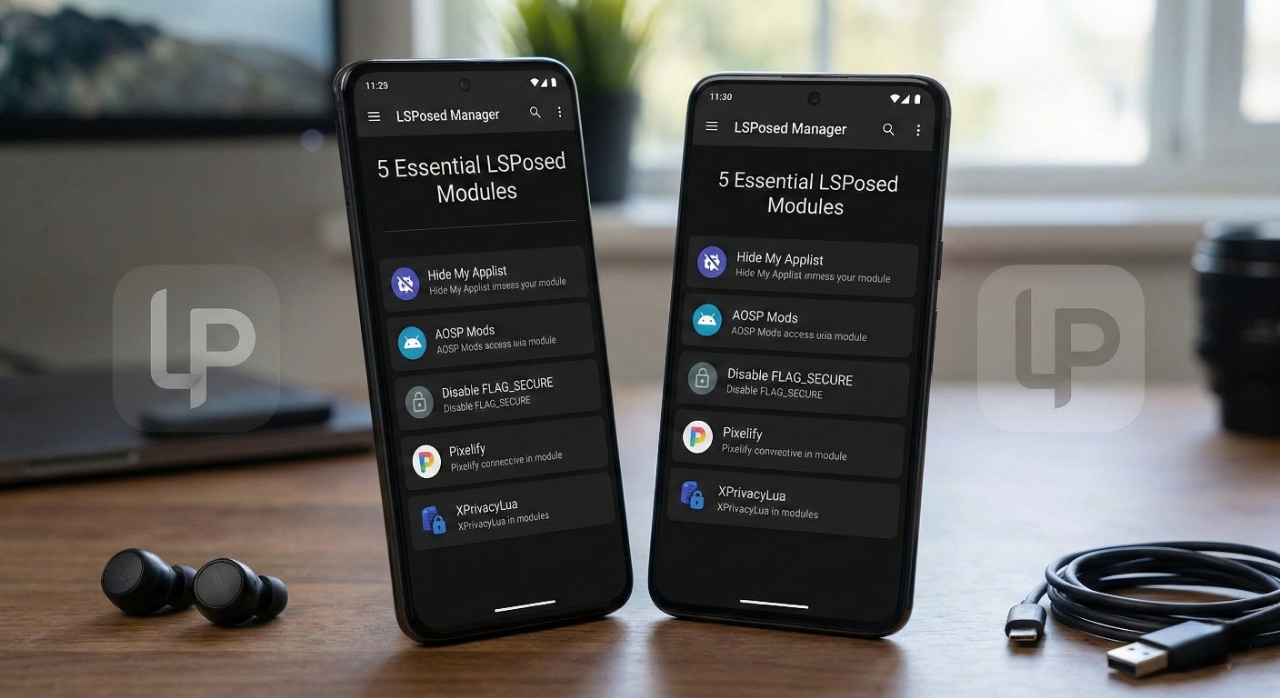
1. Hide My Applist
- Purpose: Stops nosy apps (like banking apps) from seeing what else is installed on your phone.
- Features:
- Whitelist/Blacklist modes for app visibility.
- Bypasses “Root Detected” errors in many banking apps.
- Why Try: Use banking apps and Root together peacefully. Mandatory for modern life, really.
- Download: Hide My Applist
2. AOSP Mods
- Purpose: Customize literally everything on your Status Bar, Lock Screen, and Quick Settings.
- Features:
- Center clock, battery bar, custom QS rows/columns.
- Combined signal icons, extensive theming.
- Why Try: Want your clock in the center? Want to hide that battery icon? Just do it. Best for Pixel/AOSP ROMs.
- Download: AOSP Mods
3. Disable FLAG_SECURE
- Purpose: Allows screenshots and screen recording in restricted apps (like Netflix, Telegram Secret Chat, etc.).
- Features:
- System-wide disabling of secure window flag.
- Works on most apps that block screenshots.
- Why Try: Sometimes you just need to screenshot a receipt or a chat, na? This solves it.
- Download: Disable FLAG_SECURE
4. Pixelify / Pixel Xpert
- Purpose: Turns your Xiaomi or OnePlus into a Google Pixel.
- Features:
- Call Screening, Now Playing features.
- Google Photos Unlimited Backup spoofing.
- Pixel Launcher mods.
- Why Try: Why pay premium price when you can download premium features? Logic, bro.
- Download: Pixelify
5. XPrivacyLua
- Purpose: Feeds fake data to apps that ask for too much info.
- Features:
- Restrict access to contacts, location, clipboard, and identifiers.
- Returns empty or fake values instead of crashing apps.
- Why Try: Privacy is important. Don’t let these random apps spy on you.
- Download: XPrivacyLua
Safety & Precautions
- Always backup your Data. If phone goes into bootloop, don’t cry later.
- LSPosed Manager must be installed to manage these modules.
- Enable modules for specific apps only (Recommended Scope), don’t just tick “System Framework” blindly unless needed.
- Don’t be greedy, install one by one and check.
Conclusion
LSPosed modules are the real deal for customization. From hiding root with Hide My Applist to getting free Pixel features with Pixelify, these tools make your phone truly yours. Just be careful, follow instructions, and enjoy the power!
Personal Opinion
I have been using these on my Redmi 12 5G, and honestly, it feels like a completely different phone. Hide My Applist saved me from my bank’s annoying security checks, and AOSP Mods let me fix the ugly clock on the lock screen. Look, rooting is easy, but maintaining is the real game. If you are scared, then don’t do it. But if you want full control, these modules are gold. Just do the needful and flash them, you won’t regret it, promised!