Introduction
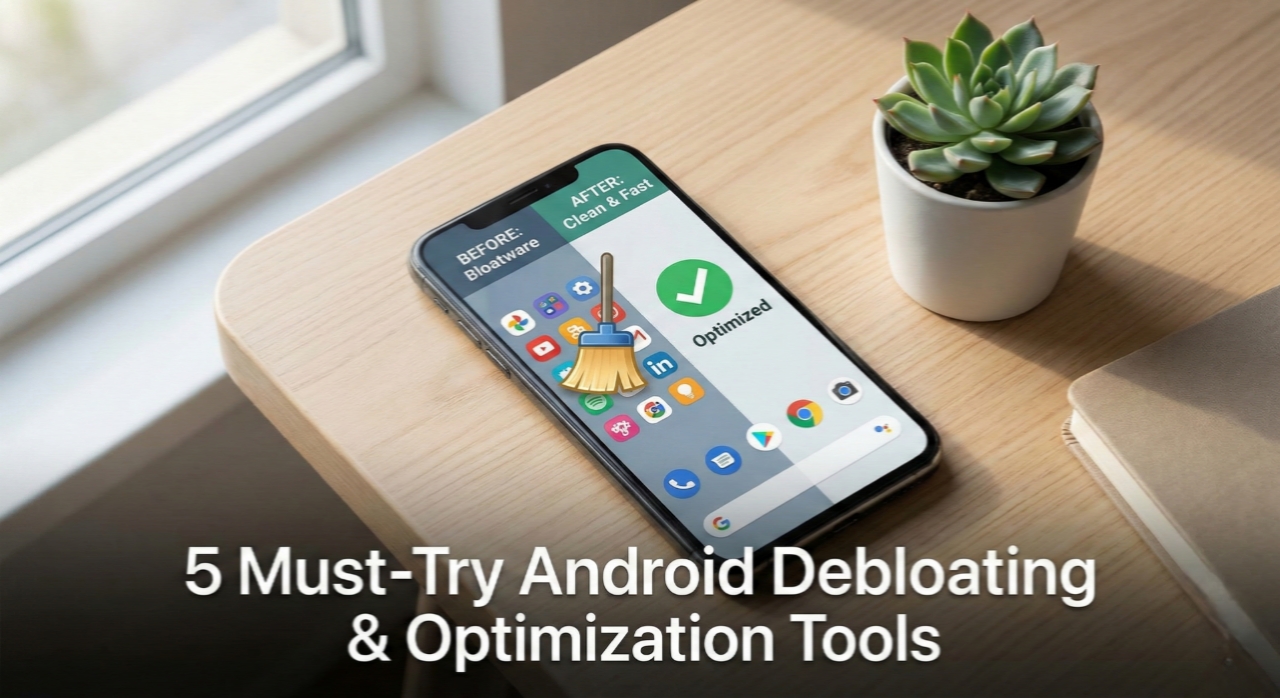
Most Android phones come packed with unnecessary preinstalled apps, background services, and tracking components that slow down performance and drain battery.
Even on clean-looking phones, there is always some hidden junk running silently.
In this blog, I’m listing 5 Android debloating and optimization tools that actually help — without breaking your phone (if used properly).
These tools work on both rooted and non-rooted devices, though root obviously gives you more control.
1. Universal Android Debloater (UAD)
- Purpose: Removes unnecessary system apps safely.
- Features:
- Uses ADB (no root required).
- Well-maintained debloat lists for different OEMs.
- Easy rollback if something goes wrong.
- Why Try: Probably the safest way to debloat without flashing anything.
- Download: https://github.com/0x192/universal-android-debloater
2. SD Maid / SD Maid SE
- Purpose: Cleans leftover files and junk data.
- Features:
- Removes app cache, orphan files, and empty folders.
- Database optimization.
- Root features for deeper cleanup.
- Why Try: Helps keep storage clean after uninstalling apps.
- Download: https://github.com/d4rken-org/sdmaid-se
3. Naptime
- Purpose: Improves battery life using aggressive Doze settings.
- Features:
- Forces Android Doze mode faster.
- Reduces background wakelocks.
- Works best on rooted devices.
- Why Try: Good for standby battery drain issues.
- Download: https://play.google.com/store/apps/details?id=com.franco.doze
4. Greenify
- Purpose: Hibernates background apps.
- Features:
- Stops apps from running unnecessarily.
- Root and non-root support.
- Prevents apps from auto-starting.
- Why Try: Useful if some apps refuse to behave properly.
- Download: https://play.google.com/store/apps/details?id=com.oasisfeng.greenify
5. Brevent
- Purpose: Prevents apps from running in the background.
- Features:
- Works without root using ADB.
- No permanent background service.
- Lightweight and effective.
- Why Try: Cleaner alternative to aggressive task killers.
- Download: https://github.com/brevent/brevent
Safety & Precautions
- Always read app descriptions carefully before debloating system apps.
- Use ADB-based tools first if you are new.
- Never remove apps related to:
- System UI
- Phone / Dialer
- Google Play Services (unless you know exactly what you’re doing)
- Take a full backup before experimenting.
- If rooted, keep a custom recovery ready just in case.
Conclusion
Android debloating is one of the easiest ways to improve performance and battery life without installing custom ROMs.
When done correctly, it makes your phone feel lighter, faster, and less annoying.
You don’t need to remove everything — just removing the obvious junk is more than enough.
Personal Opinion
I tested most of these tools on my daily-use device, and honestly, the difference is noticeable.
After debloating and using Naptime, standby battery improved a lot, and the phone just feels less stressed.Android optimization doesn’t need fancy mods all the time. Sometimes, just removing useless stuff and letting the system breathe is enough.
Go slow, don’t get greedy, and your phone will thank you.