Unlocking Bootloader on Redmi Note 8: A Complete Guide
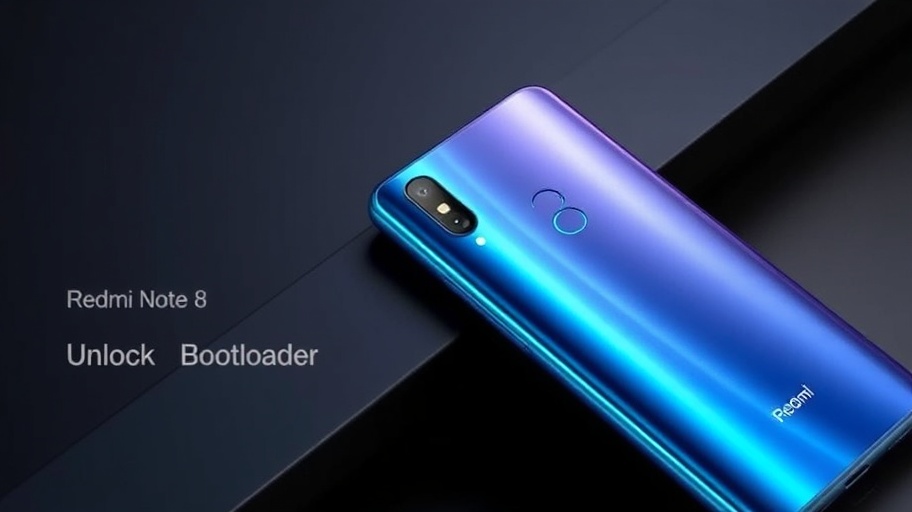
Unlocking the bootloader is the first step to fully customizing your Xiaomi device. My Redmi Note 8 was my experimental device where I first learned about unlocking the bootloader, flashing ROMs, and exploring custom recoveries. If you’re looking to unlock your Redmi Note 8’s bootloader, this guide will walk you through the process.
What is a Bootloader?
A bootloader is a program that initializes the operating system when you power on your device. By default, Xiaomi locks the bootloader to ensure security and prevent unauthorized modifications.
Pros and Cons of Unlocking Bootloader
Pros:
- Install Custom ROMs – Get rid of MIUI and experience cleaner, faster ROMs like LineageOS or crDroid.
- Root Access – Gain administrative control using Magisk.
- Flash Custom Recoveries – Install TWRP or OrangeFox for advanced flashing options.
- Debloat & Performance Optimization – Remove unnecessary system apps and optimize the device.
- Advanced Customization – Modify system-level settings and themes.
Cons:
- Voids Warranty (in some cases) – Unlocking may void Xiaomi’s official warranty.
- Device Security Risk – An unlocked bootloader makes it easier for malicious software to modify the system.
- OTA Updates Might Break Things – Official MIUI updates might not work properly after unlocking.
- Data Wipe – Unlocking the bootloader erases all data from your device.
Steps to Unlock Bootloader on a Xiaomi Device
Prerequisites:
- A Windows PC with Xiaomi Unlock Tool installed
- Your Redmi Note 8 with at least 50% battery
- A Mi Account (must be at least 3 days old)
- A USB Cable to connect your device to the PC
Step-by-Step Guide
1️⃣ Enable Developer Options & OEM Unlocking
- Go to Settings → About Phone → Tap MIUI version 7 times to enable Developer Options.
- Go to Settings → Additional Settings → Developer Options.
- Enable OEM Unlocking and USB Debugging.
- Click Mi Unlock Status and bind your Mi Account.
2️⃣ Apply for Bootloader Unlocking
- Download and install Mi Unlock Tool from Xiaomi’s official website.
- Log in with the same Mi Account used on your phone.
- Power off your phone and boot into Fastboot mode (Press Power + Volume Down simultaneously).
- Connect the device to the PC via USB.
- Open Mi Unlock Tool and wait for it to detect your phone.
- Click Unlock, read the warning, and proceed.
3️⃣ Wait for the Unlock Period
- Xiaomi imposes a 168-hour (7-day) waiting period before the unlock is complete.
- Keep the same Mi Account logged in and don’t reset your device.
- Also keep in mind that you have the same SIM which is binded to your MI account.
4️⃣ Unlock the Bootloader
- After the waiting period, repeat Step 2.
- Click Unlock again and wait for the process to finish.
- Once done, your bootloader is now unlocked!
What’s Next After Unlocking?
- Install a Custom Recovery (TWRP/OrangeFox)
- Flash a Custom ROM like LineageOS, CrDroid, or EvolutionX
- Root the Device using Magisk
- Backup Your Stock ROM in case you want to revert
Conclusion:
Unlocking the bootloader on your Redmi Note 8 opens up a world of possibilities for customization and performance improvements. However, proceed with caution and ensure you understand the risks involved. Happy modding!